Parcel Boundaries
Property boundaries included in every map.
Send an address or parcel number. We pull the county parcel lines, align them to your coordinate system, and deliver them on their own layer in the same DWG as your LiDAR contours.
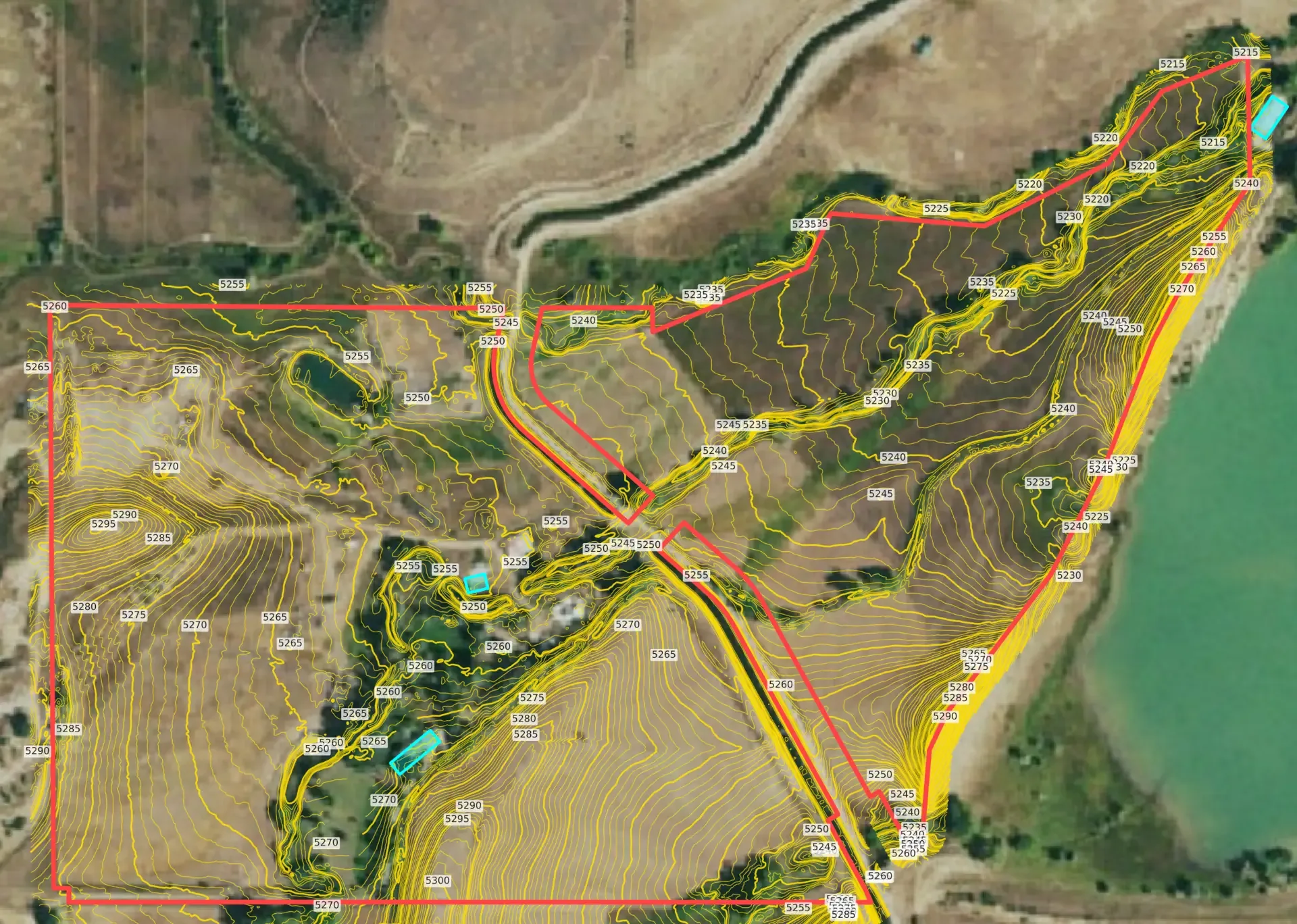
Built for architects, civil engineers, landscape architects, and land surveyors.
From an address or APN to parcel lines in your drawing.
Parcel data lives in thousands of county assessor systems, each with its own format and coordinate system. Getting it into CAD usually means downloading a county shapefile, converting it, and hoping it lines up with your terrain.
ContourLabs handles that work for you.
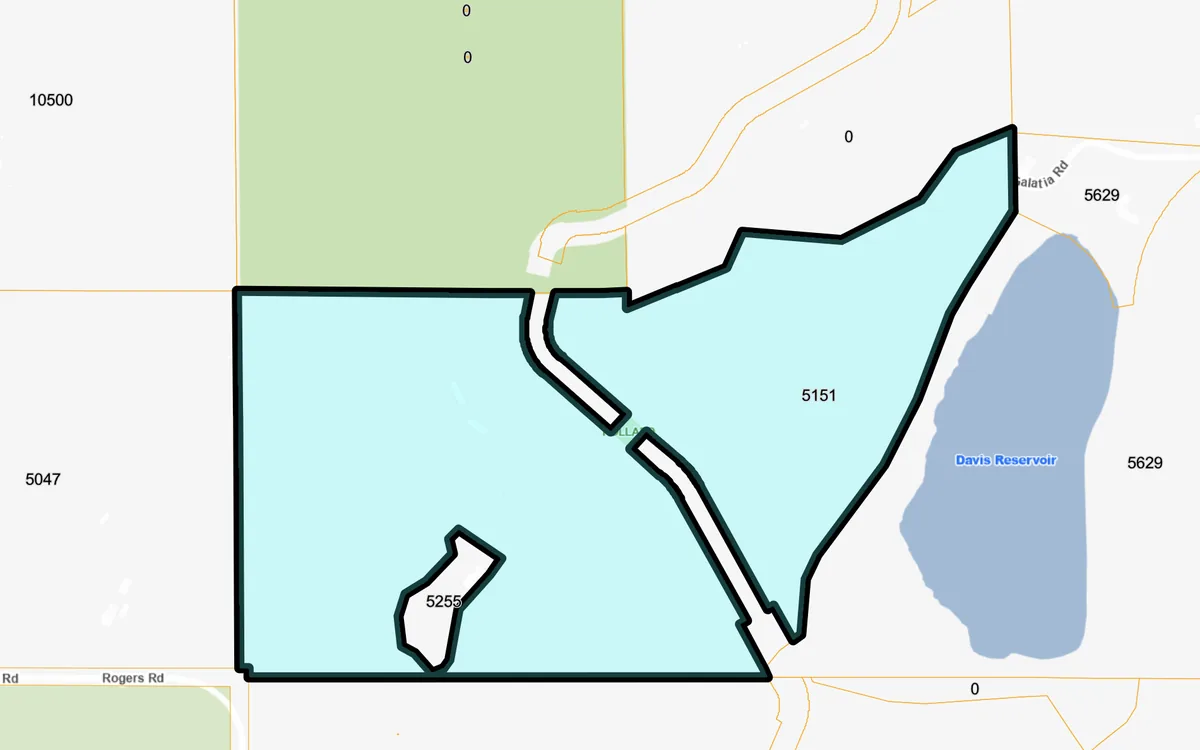
We find your parcel
Look it up by address or APN (assessor's parcel number) in county assessor records.
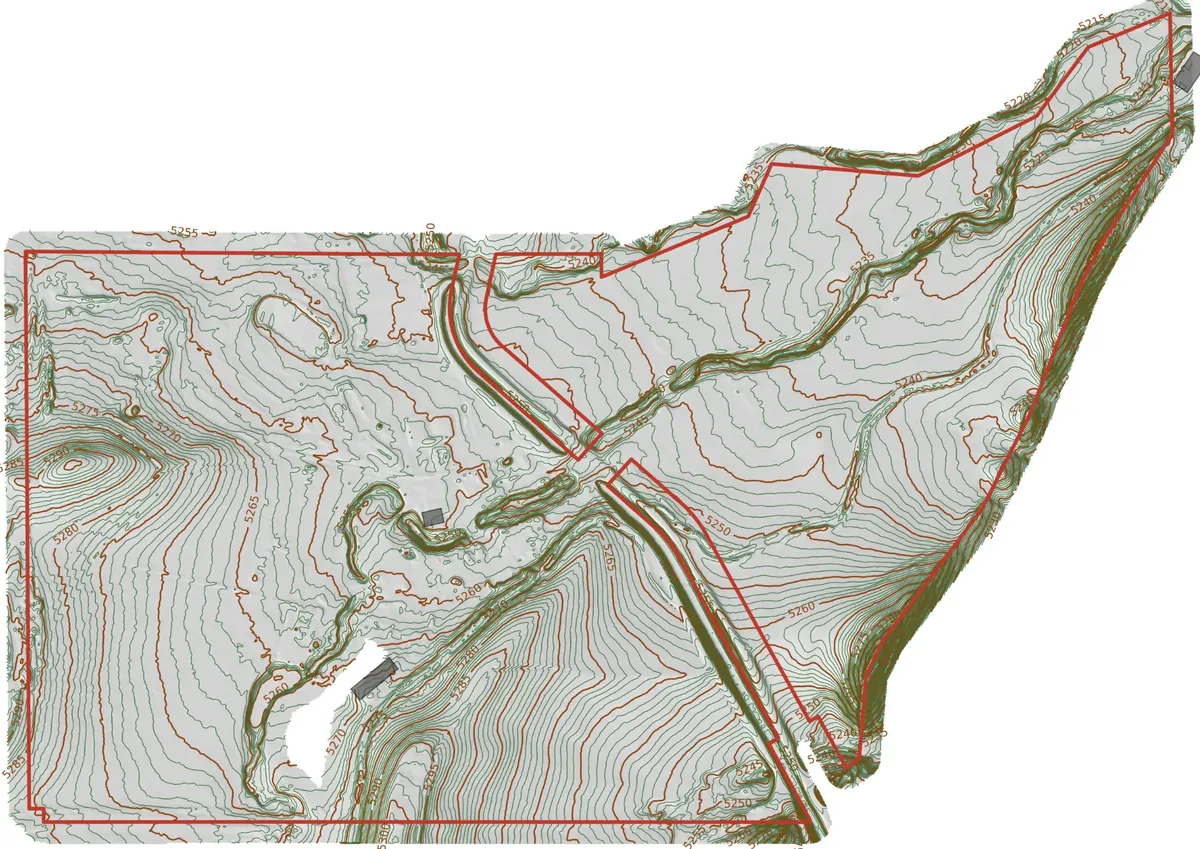
We align it
We reproject the parcel lines to your coordinate system, so they sit on your contours, not next to them.
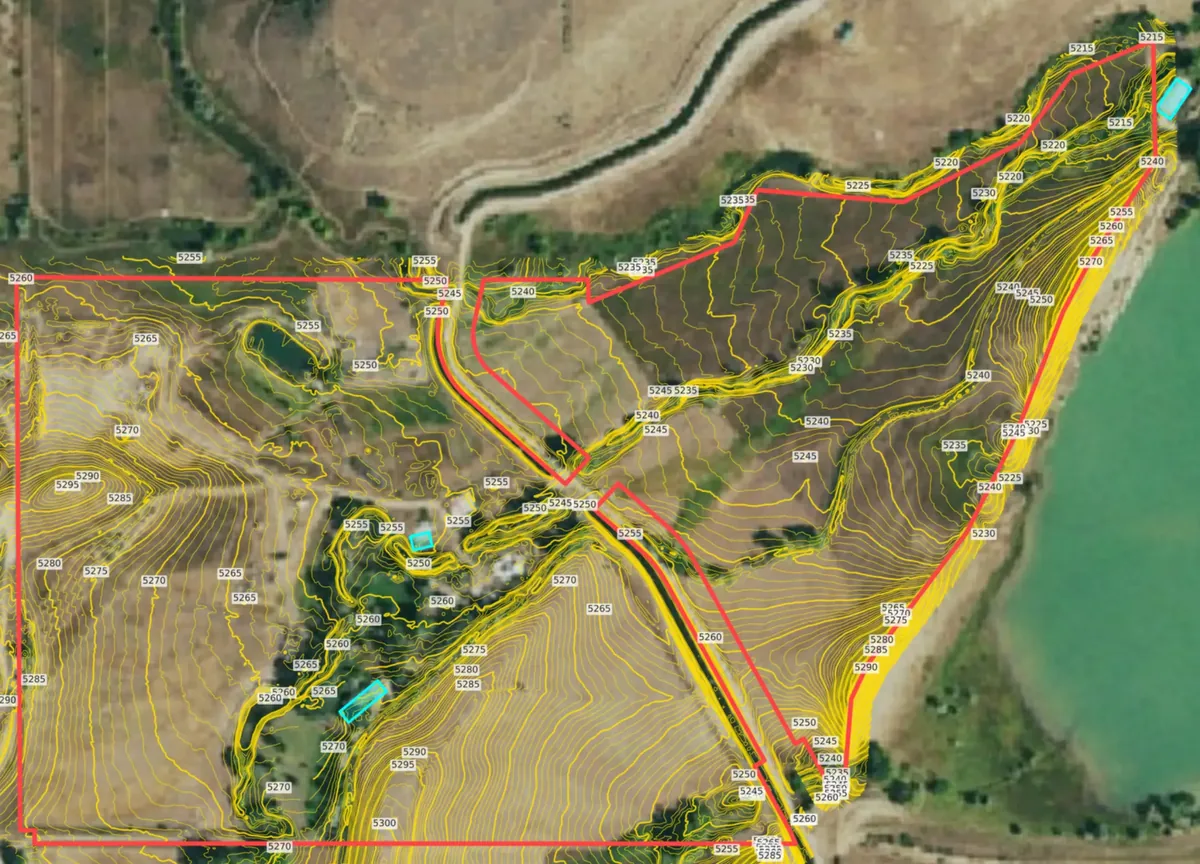
We layer it
Your parcel boundary goes on its own named layer, alongside your contours and optional building footprints.
You open a DWG/DXF
A layered DWG/DXF for AutoCAD, Civil 3D, Revit, SketchUp, Rhino, and MicroStation. Turn the parcel layer on or off.
Did you know?
The parcel data exists. Getting it into your drawing is the hard part.
Roughly 160 million US parcels are kept by more than 3,100 counties. We find yours, convert it, and line it up with your terrain. You just open the DWG.
~160M
US land parcels on record
3,100+
Counties keeping their own parcel records
100+
State Plane coordinate zones
$0
Extra for parcels on your map
Sources: US Census Bureau; ReportAll USA; USGS.
How to get a parcel boundary into CAD
| Attribute | On your own | With ContourLabs |
|---|---|---|
| What you do |
| Enter an address or APN.
|
| Time to get it into a drawing | Depends on the county portal, the file format, and how much converting it takes | Typically 24 hours, with your map |
| Software and skills needed | A county GIS portal, a tool that reads parcel files, and a way to convert to DWG | None. The DWG opens in AutoCAD, Civil 3D, Revit, SketchUp, Rhino, and MicroStation |
| Coordinate alignment | You reproject it into your State Plane zone and check it lines up | Converted and aligned to your contours before delivery |
| What you end up with | A county parcel file, converted by you | Your parcel on its own layer, in the same DWG as your contours |
Know the lot before you draw on it.
Parcel lines are best for early decisions about a lot: where you can build, how big it really is, and how it meets the terrain. Every ContourLabs map includes them.
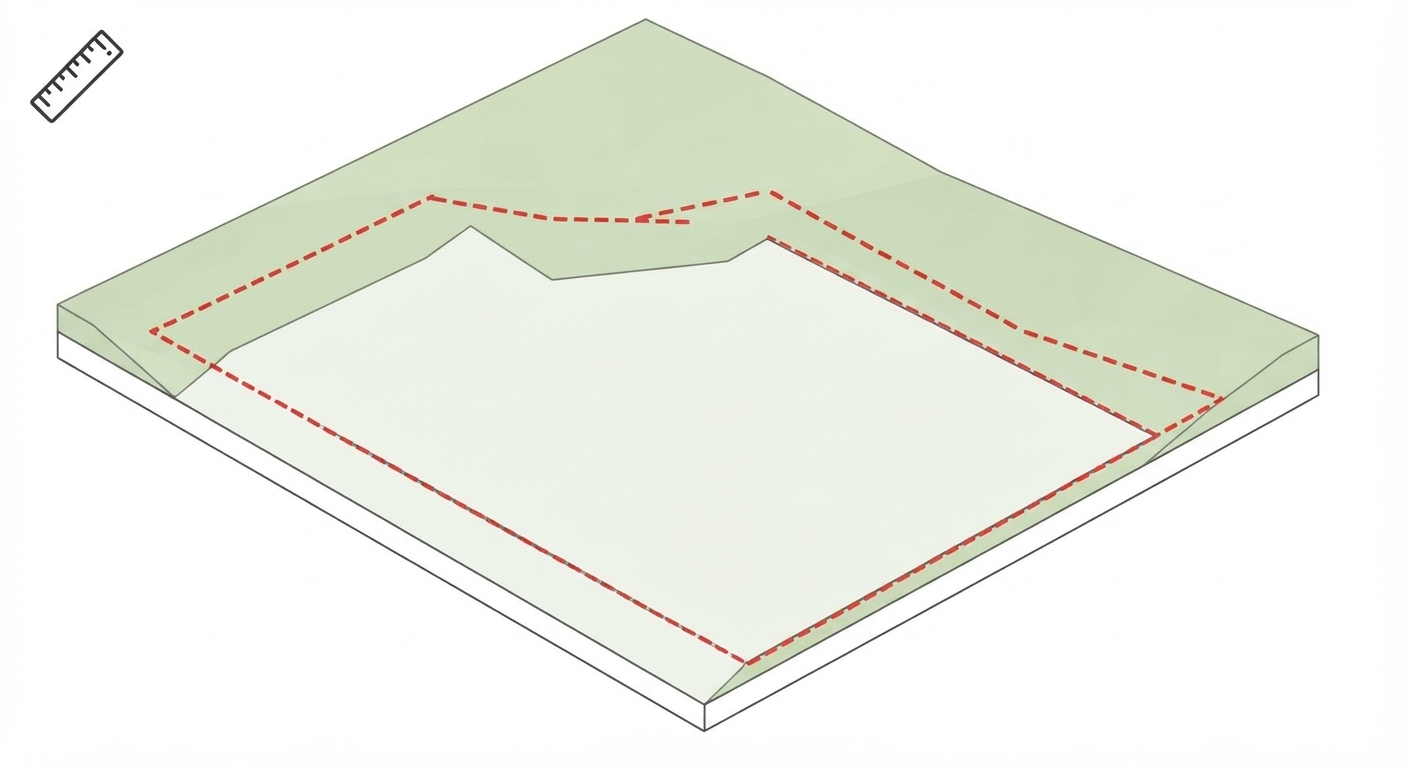
Setbacks & buildable area
Before you designSketch setbacks from the parcel line and see how much buildable, gently sloped land is left.
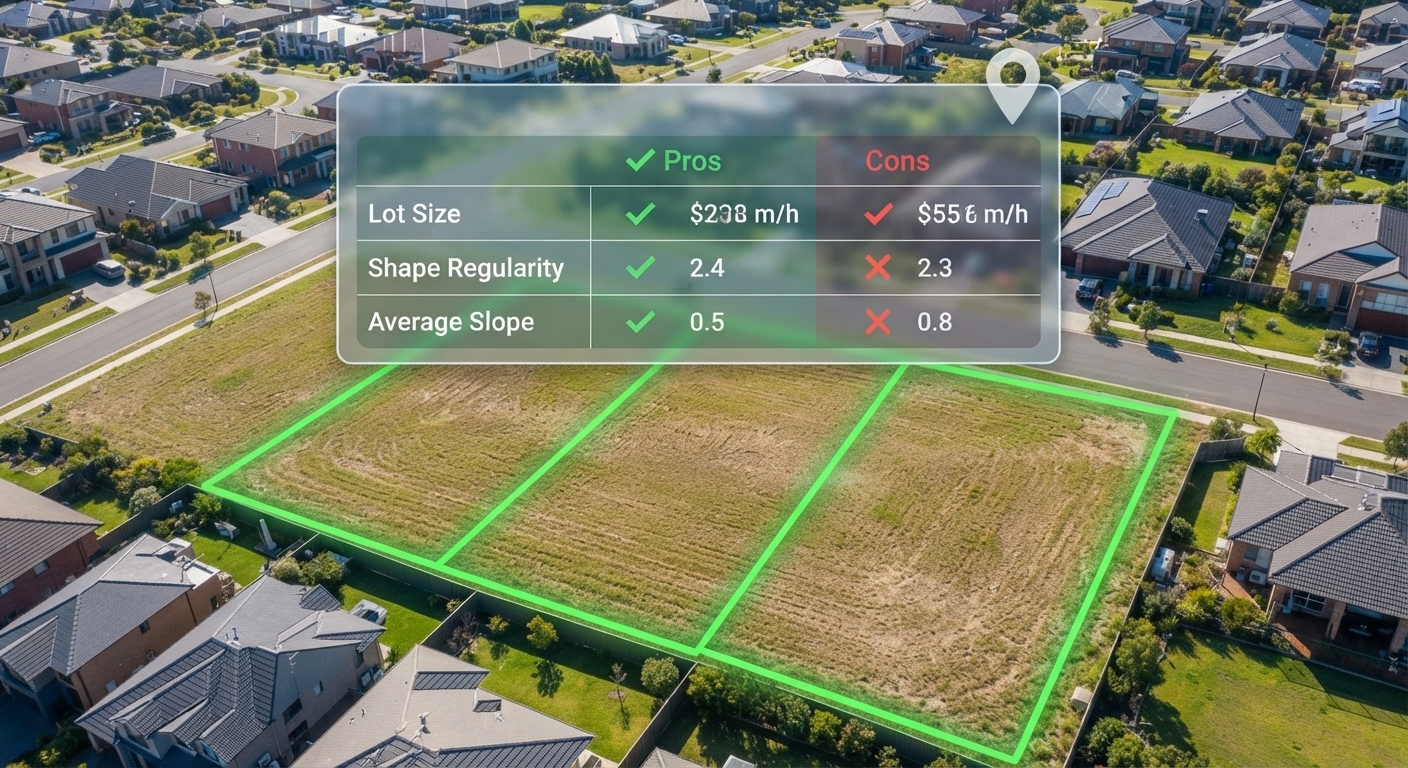
Site selection
Before the client buysCompare lots by size, shape, and slope before anyone makes an offer.
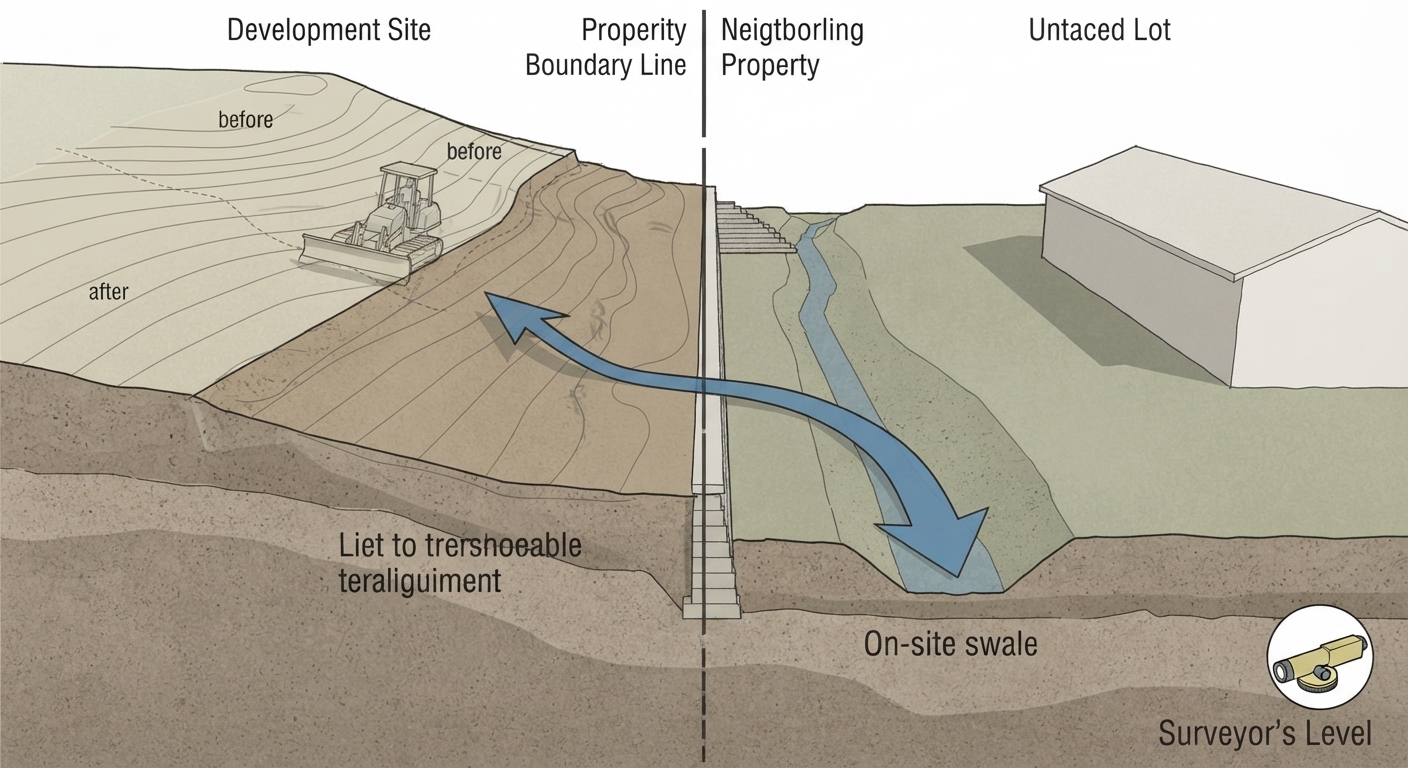
Grading near property lines
Before you move dirtSee where slopes and drainage cross the property line, so grading stays on your side.
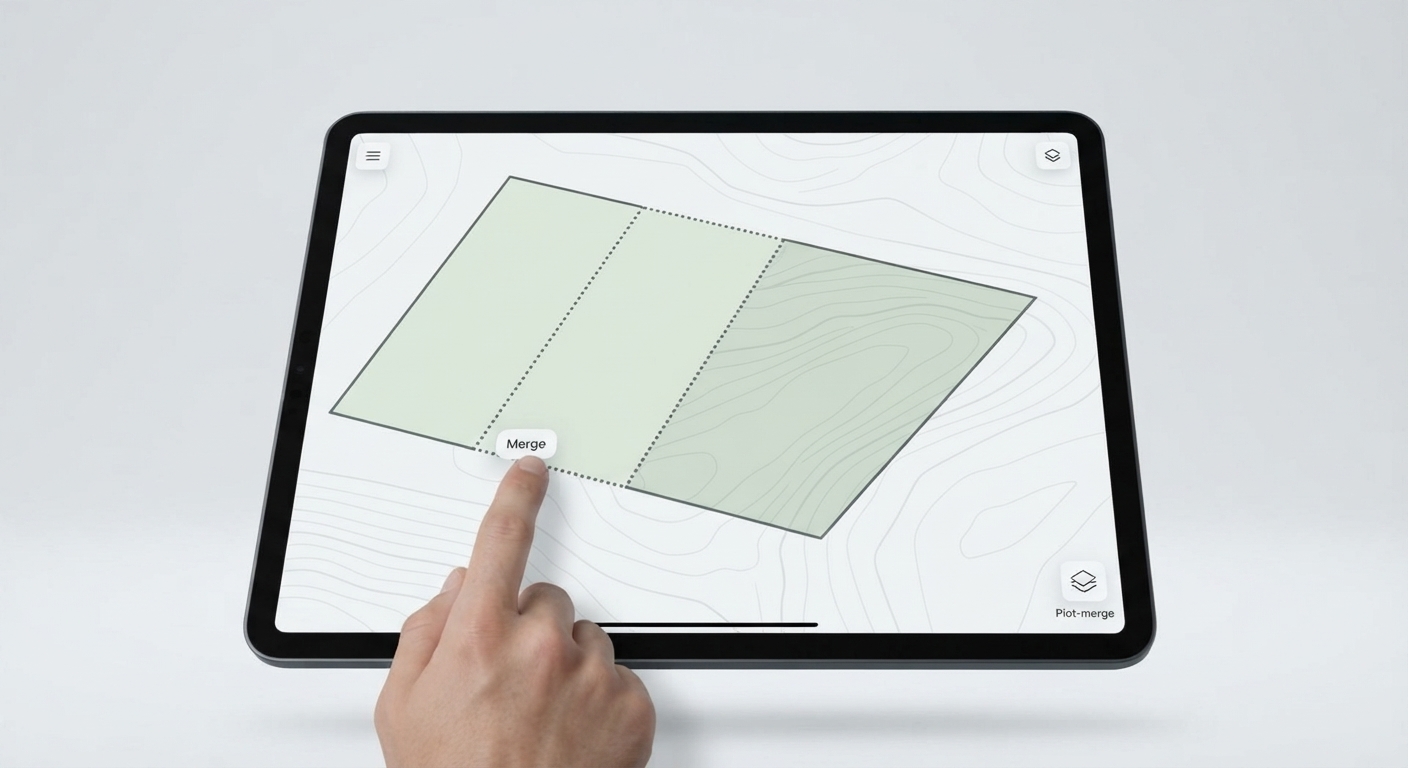
Combining parcels
When one lot isn't enoughSend several APNs and see how adjacent lots and their terrain fit together as one site.
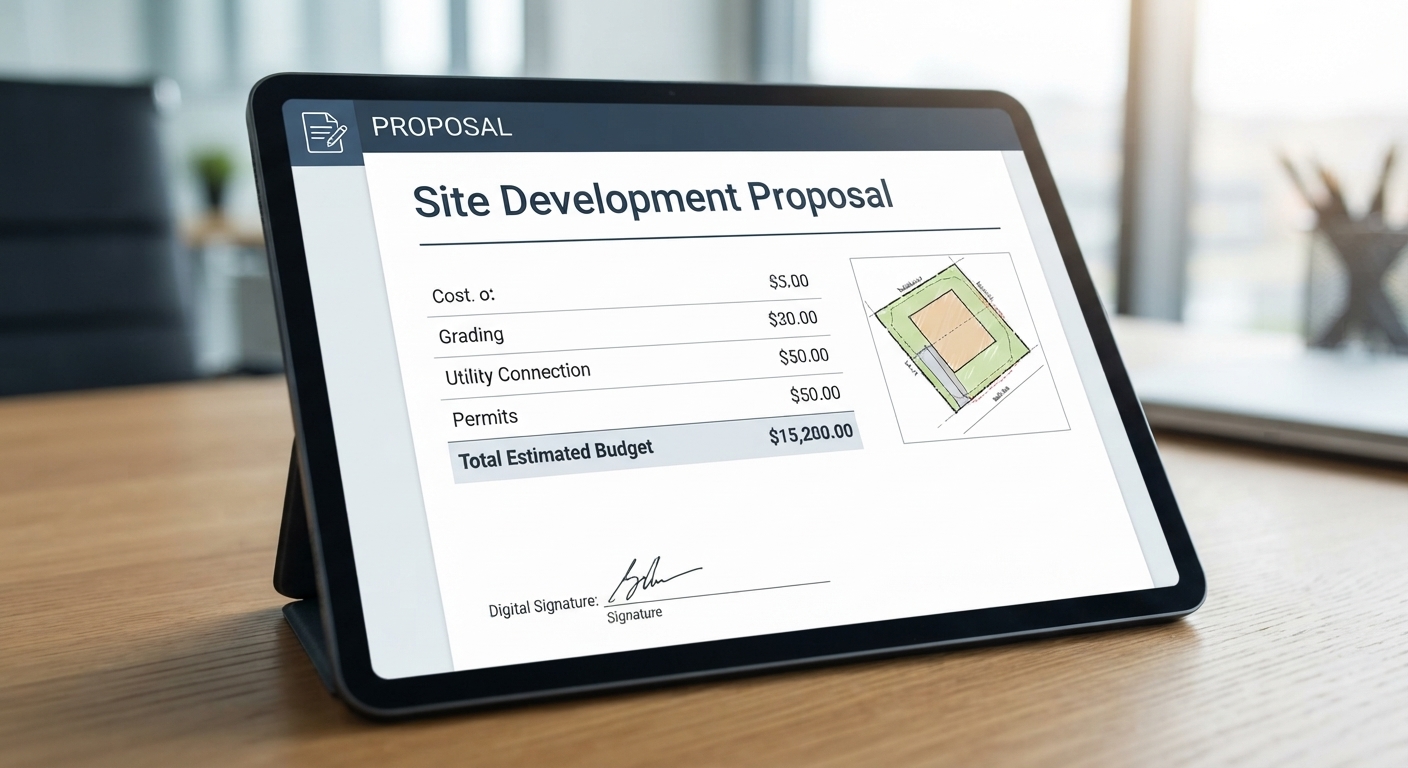
Bids & proposals
Before you price the jobConfirm lot size and shape before you quote the work.

Client & pre-application meetings
At the first meetingShow the lot, its contours, and its boundary on one print-ready PDF.
Assessor parcel lines vs. boundary survey
Use parcel lines to plan. Use a boundary survey to build.
| Attribute | Assessor parcel lines (ContourLabs) | Boundary survey |
|---|---|---|
| What it is | County tax map of ownership boundaries | Legal determination of property lines by a licensed surveyor |
| Best for | Feasibility, site selection, early design | Permits, fences, construction, title, and disputes |
| Accuracy | Approximate; can be off by several feet or more | Measured in the field to monuments |
| Legal standing | None | Stamped and certified |
| Turnaround | Typically 24 hours, with your map | Varies with scheduling and site |
| Cost | Included with every map | Quoted per project |
When you still need a survey
Parcel boundaries are based on available county records and may not reflect the exact legal boundary on the ground. Boundary determination, staking, and permit-grade elevations require a licensed surveyor. Use ContourLabs to get started before the survey process begins.
Parcel boundaries are included with every map.
Every ContourLabs map comes with your parcel boundary on its own layer at no extra cost. Maps start at $30 for sites up to 1 acre. Add building footprints for free when you order.
What else you can add to your map
Alongside your parcel boundary, two more layers are available: contours from public LiDAR, and existing building footprints. Each lands on its own layer in the same DWG. Open either one to see what's in the file and where the data comes from.
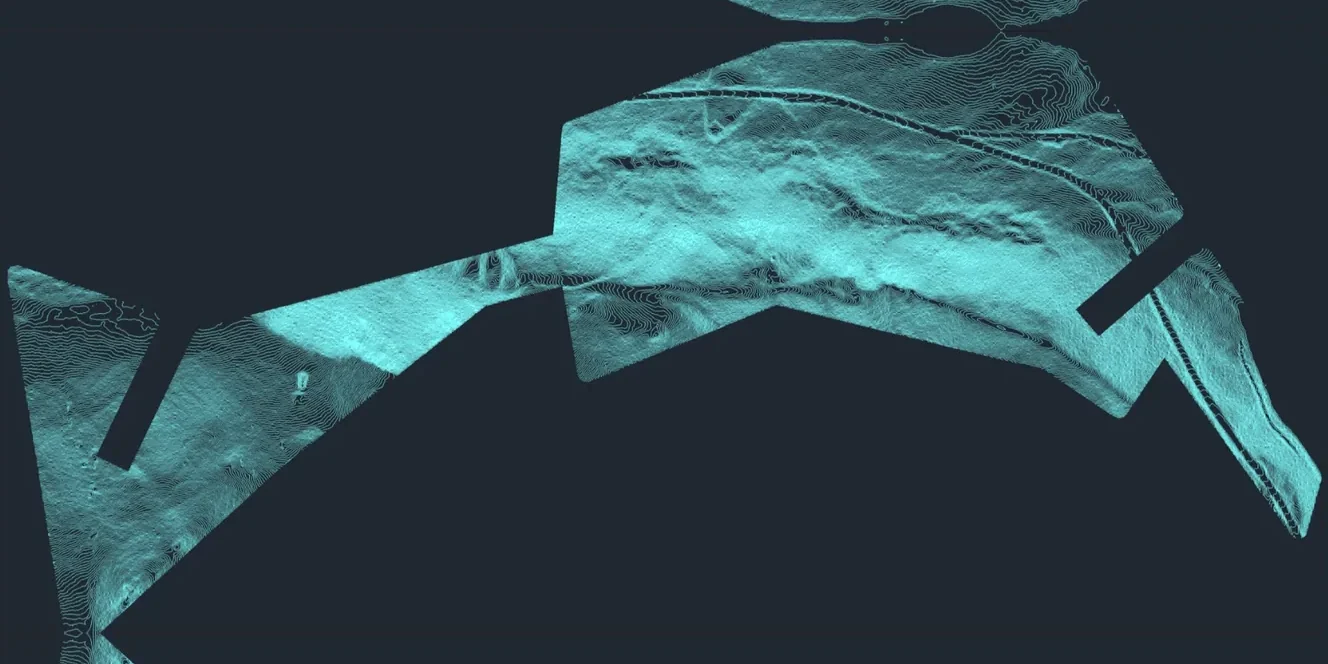
Contours from LiDAR
Clean contours generated from LiDAR and clipped to your project area.
- Major and minor contours
- Elevation labels
- Down to 1-foot intervals where the data supports it
- 3D elevation geometry
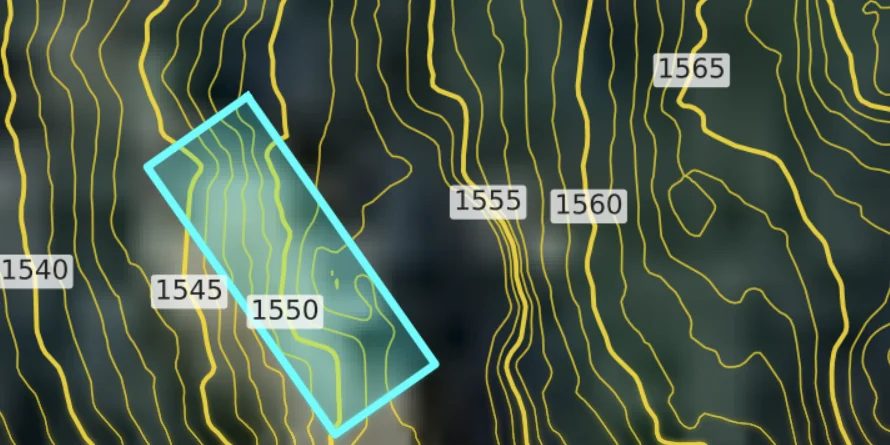
Building Footprints
Add existing building footprints for free, on their own layer.
- Free add-on when you order
- Organized on their own layer
- Delivered with your contours
Footprints come from public data and may not show recent construction.
Enter an address. Open your parcel in CAD.
Parcel boundaries included with every map. Add building footprints at no extra cost. From $30, typically 24 hours.
Parcel boundaries: common questions
Yes. Every ContourLabs map includes your parcel boundary at no extra cost, delivered on its own named layer in the DWG/DXF alongside your contours. Maps start at $30 for sites up to 1 acre.
ContourLabs pulls parcel boundaries from county assessor records through a nationwide parcel data service that covers most US counties. The lines are the same ownership boundaries the county uses for property tax records.
Assessor parcel lines are approximate. They're drawn for property tax purposes, not surveying, and can be off by several feet or more, especially in rural areas or where records are old. Use them for planning and early design, not for construction or legal boundaries.
Yes. Send ContourLabs an APN (assessor's parcel number), a street address, or coordinates. For large or unaddressed rural land, an APN is often the most reliable way to identify the exact parcel.
Yes. Upload your boundary as a DWG or KMZ file when you order, and ContourLabs will use it in place of, or alongside, the county parcel line.
The parcel boundary is on its own named layer in your DWG/DXF, separate from major contours, minor contours, and building footprints, and in the same coordinate system as the rest of the file. You can turn it on or off, or restyle it to your office standards.
No. A parcel boundary from county assessor records has no legal standing. Permits, fences, construction, title work, and property disputes need a boundary survey from a licensed land surveyor.