FOR CIVIL ENGINEERS
Start planning before the survey crew is scheduled.
Send a project address and get LiDAR contours, parcel boundaries, and building outlines as one layered DWG ready to reference into Civil 3D.
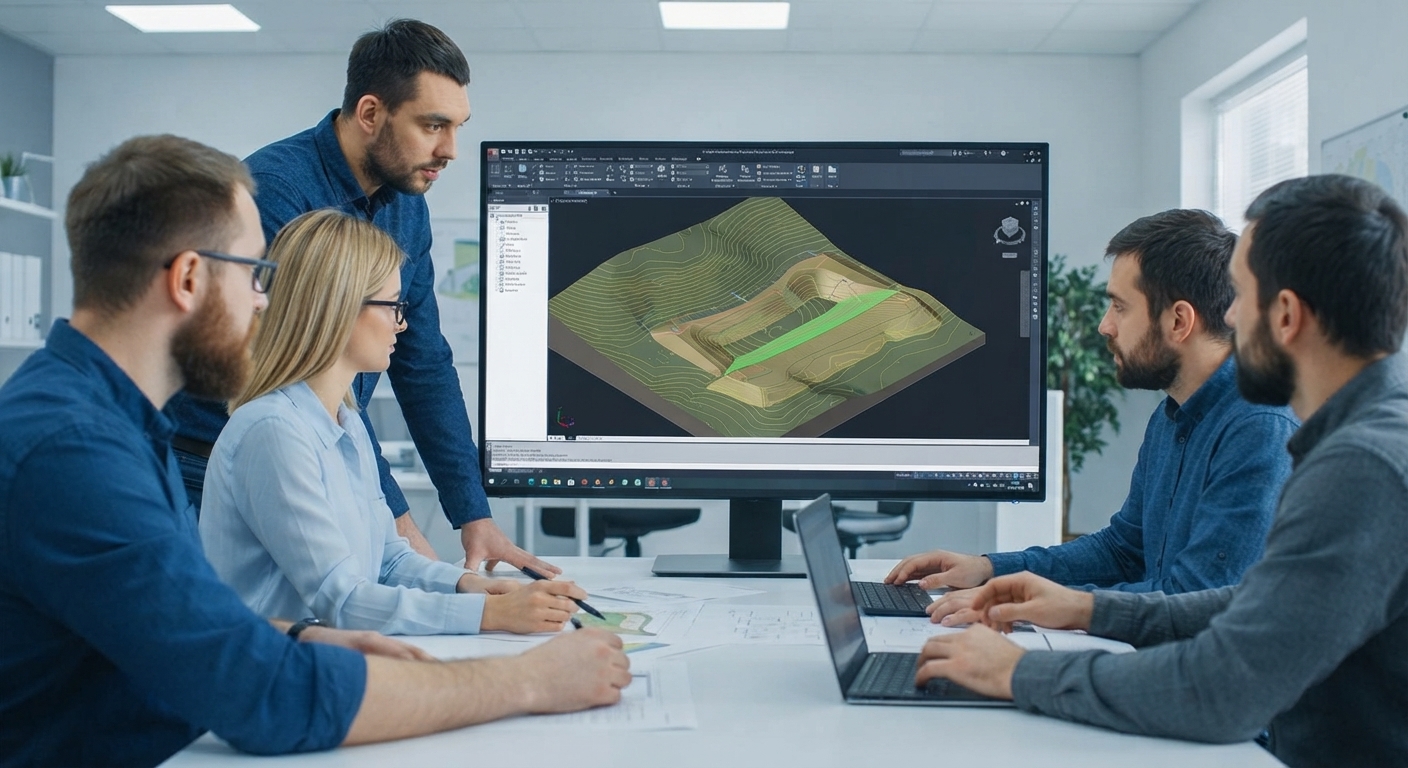
GIS for Civil Engineers
From project address to base file, without touching raw LiDAR.
Public LiDAR covers most of the US, but turning it into a surface means downloading tiles, filtering ground points, and getting the projection and vertical datum right. We do that part and hand you a DWG that's ready for Civil 3D.
 01
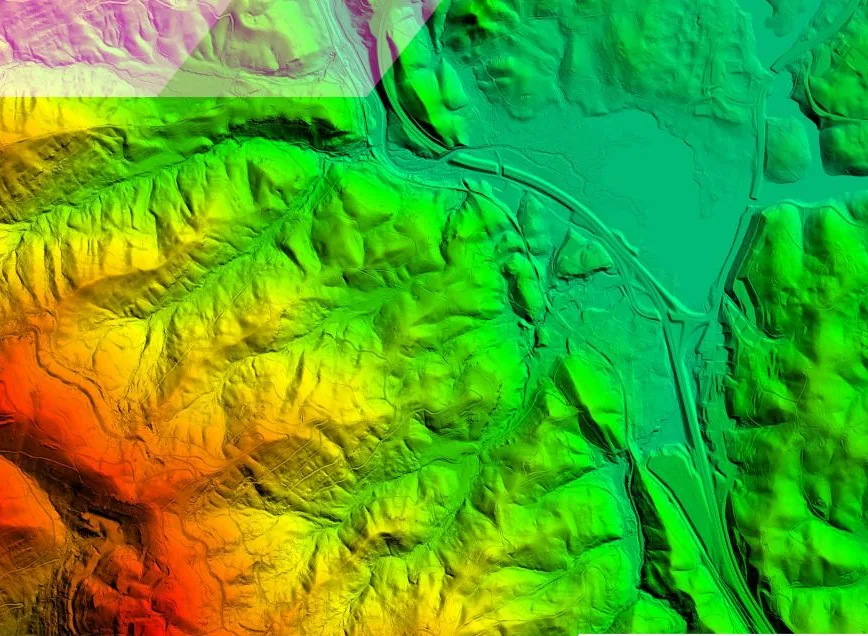
01We find the data
We locate the best available public LiDAR for your site, usually USGS 3DEP, and confirm coverage and quality before you pay.
 02
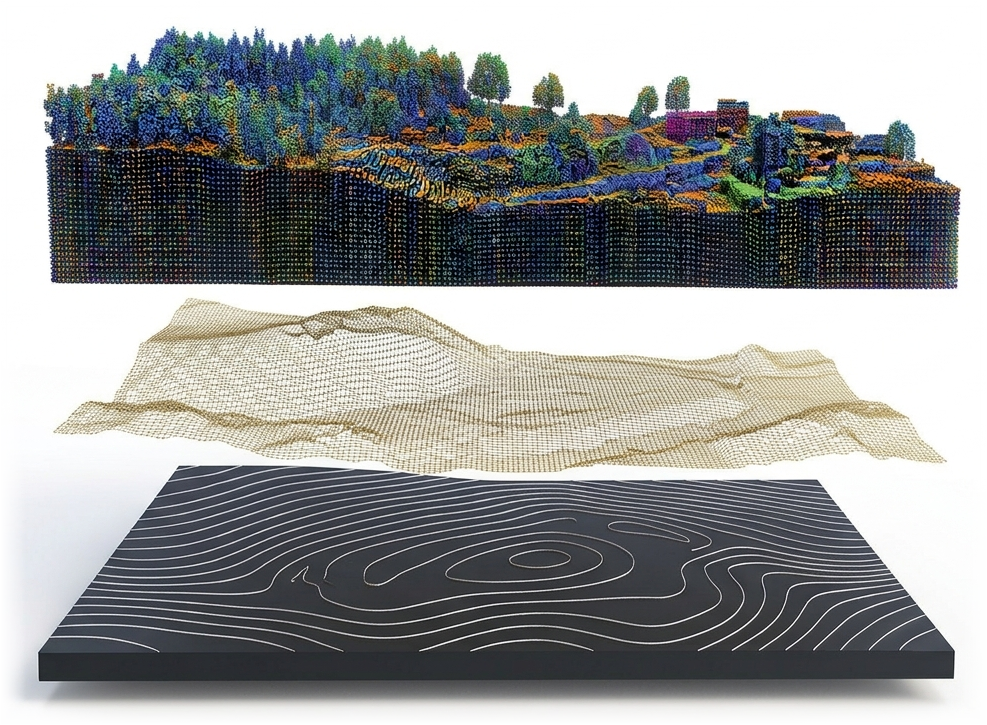
02We process the terrain
We filter the point cloud to bare ground, generate contours down to 1 ft, and clip them to your project area in your state plane zone and datum.
 03
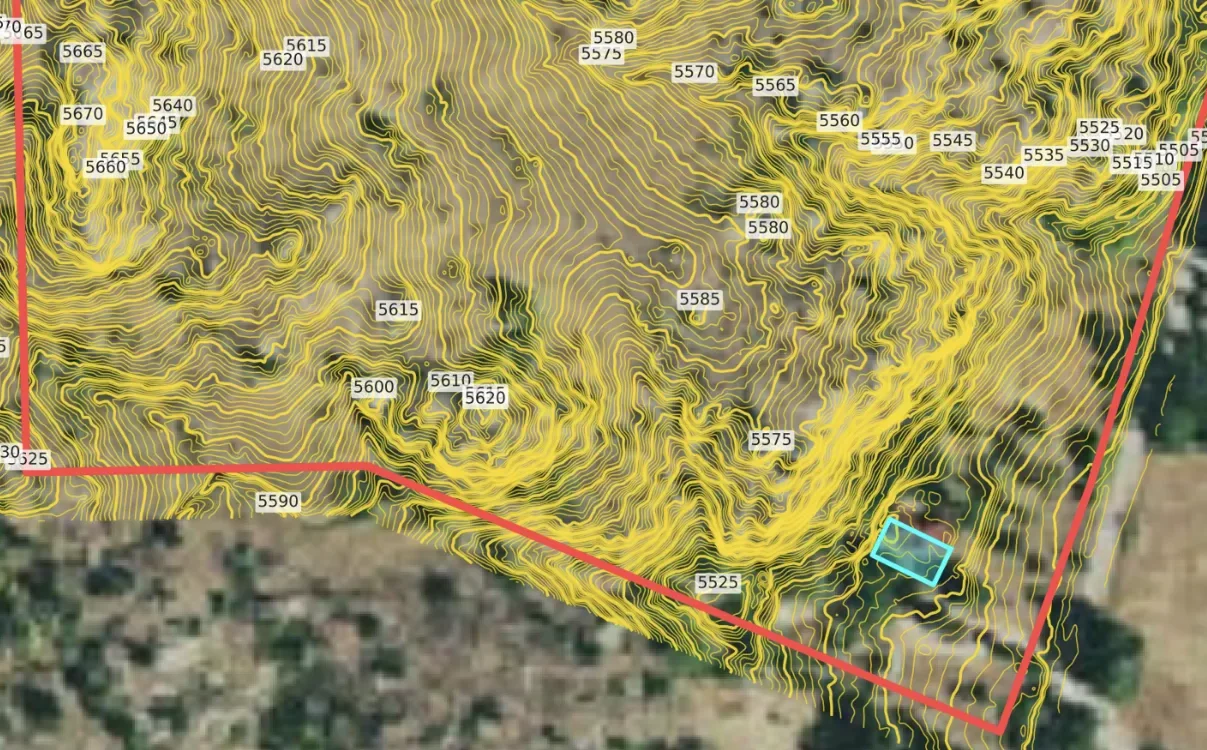
03We add site context
The parcel boundary and optional building footprints join your contours on named layers, so the terrain arrives in context.
 04
04You receive a DWG/DXF
A layered DWG ready to reference into Civil 3D for grading and earthwork, plus a print-ready PDF.
Billable hours go to design, not data processing
Hours you'd spend downloading tiles and cleaning points go to design instead. One address in, one DWG out.
Better bids, earlier
Real contours at proposal stage let you scope earthwork and drainage before you commit to a fee.
Design starts before the survey
Lay out the site while the crew is still scheduled, so the survey refines your design instead of restarting it.
Self-serve topo tools hand you the download and the processing. We do both, so the only file you touch is the finished DWG.
Real terrain before the survey arrives.
LiDAR contours cover the decisions engineers make before a survey is ordered or delivered.
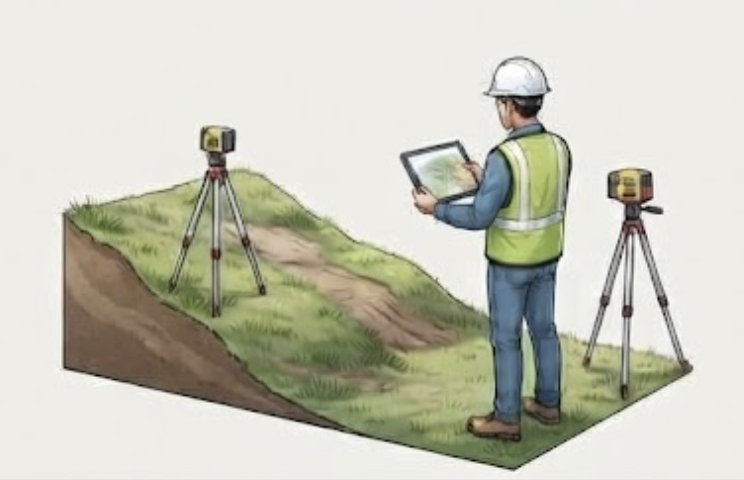
Feasibility & due diligence
Check grades, drainage, and buildable area before anyone commits to a site or a survey budget.
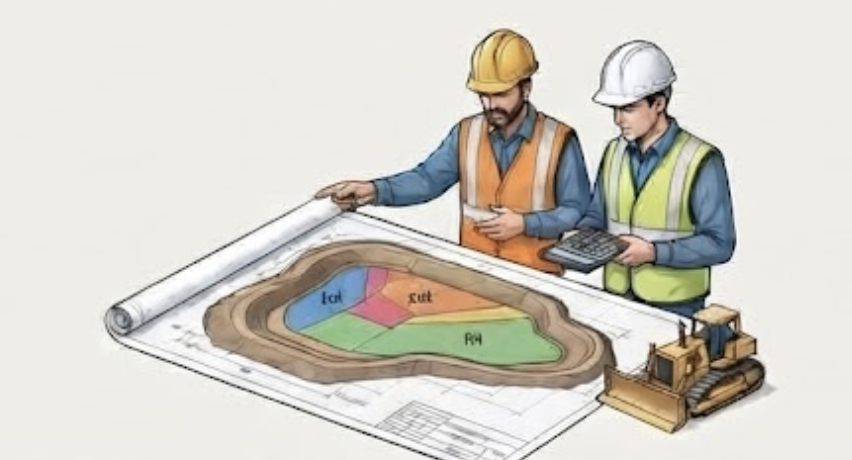
Bids & earthwork estimates
Estimate cut and fill from real contours, so you know about the ravine before you quote.
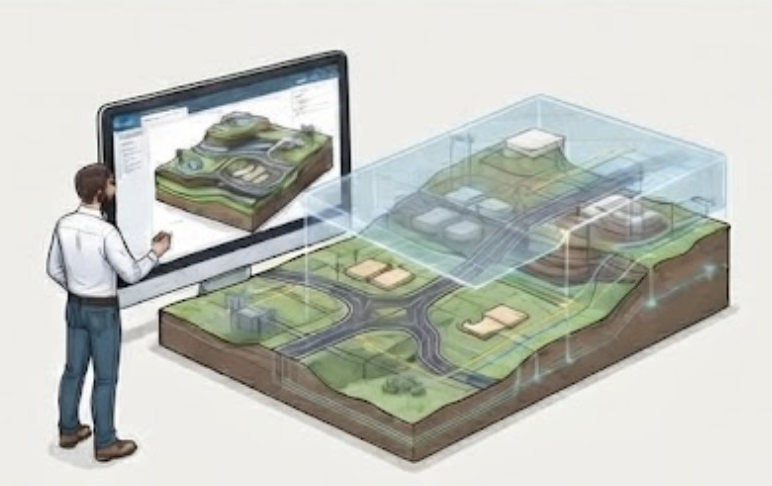
Early design
Lay out roads, pads, utilities, and stormwater on real terrain, then refine when the survey comes in.
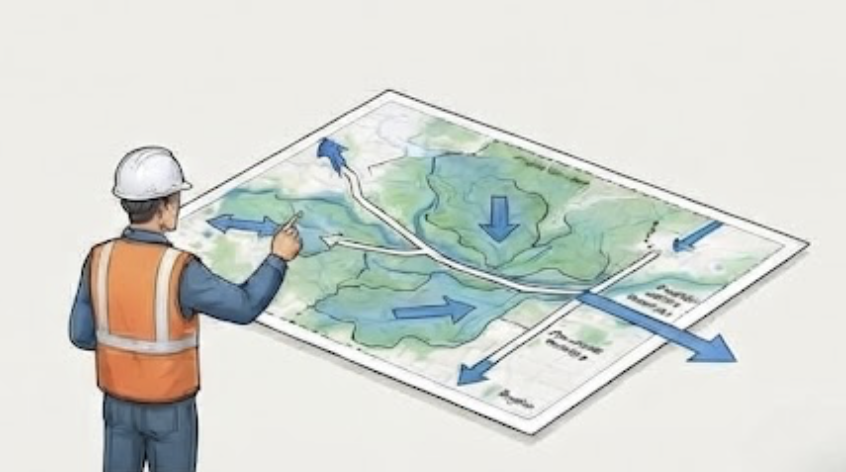
Corridors & off-site drainage
Pipelines, force mains, and drainage basins run past the boundary. Map the surrounding area to see where water goes.
Contours, parcel boundaries and building outlines, in the same DWG
Parcel boundaries are included with every project. Add building outlines at no extra cost. Both arrive on their own layers alongside your contours.
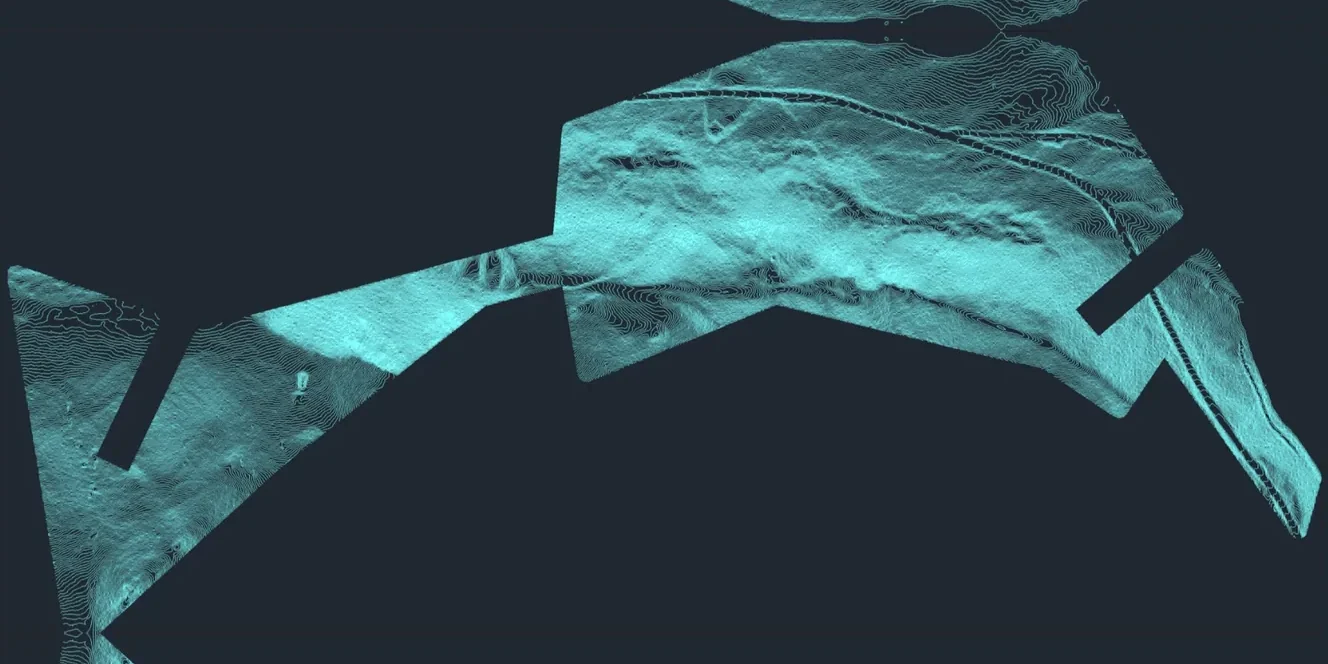
Contours from LiDAR
Clean contours generated from LiDAR and clipped to your project area.
- Major and minor contours
- Elevation labels
- Down to 1-foot intervals where the data supports it
- 3D elevation geometry
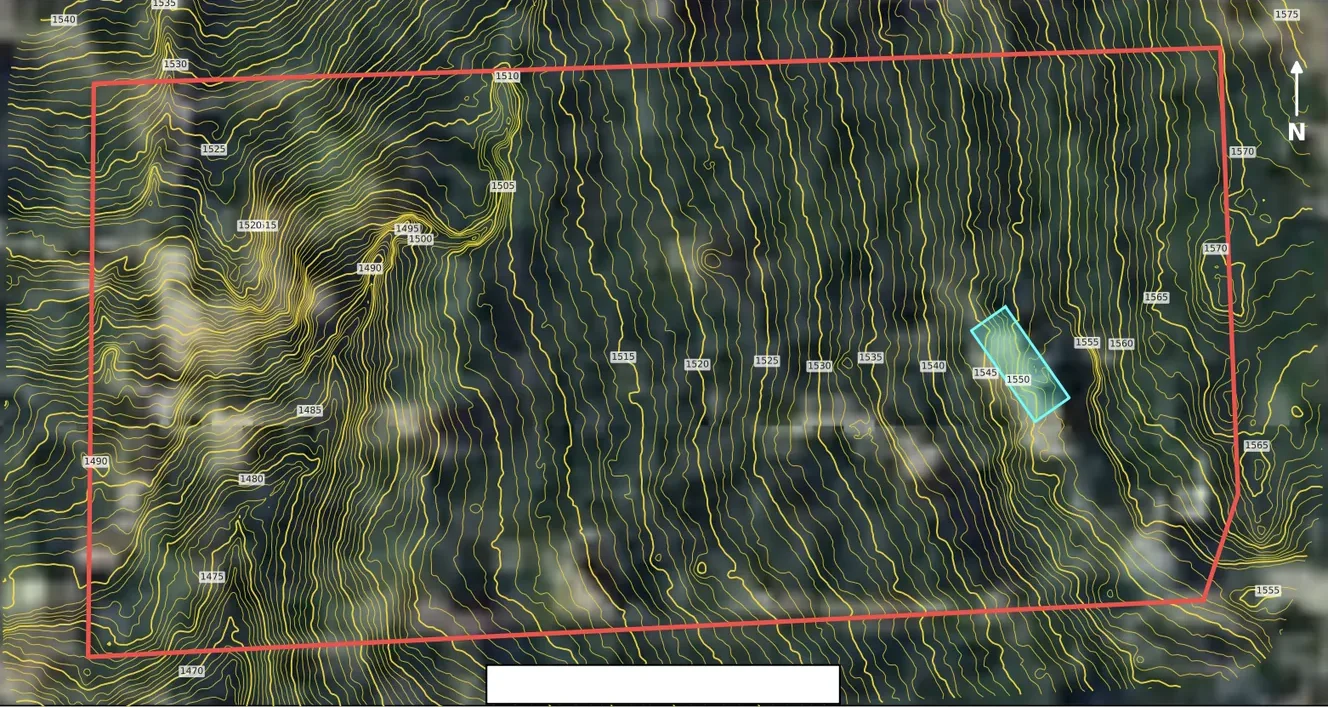
Parcel Boundaries
Included with every project: county parcel lines on their own layer in your DWG.
- Included at no extra cost
- County assessor parcel data
- APN / parcel number lookup
- Or upload your own boundary
Assessor parcel lines are approximate and aren't a boundary survey.
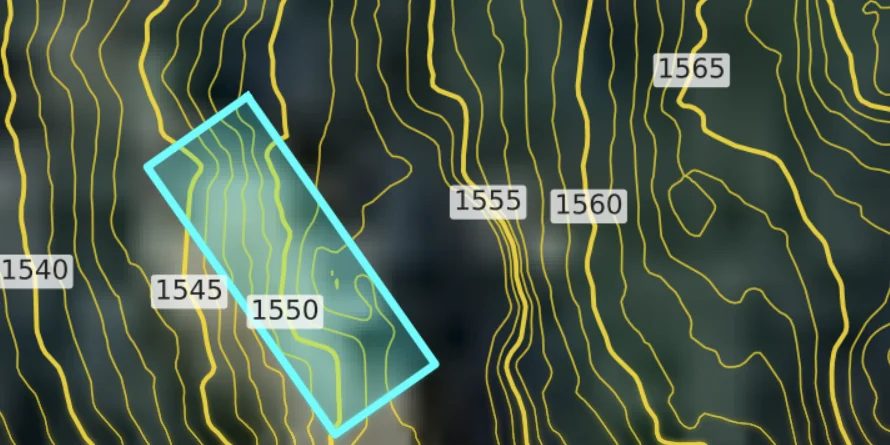
Building Footprints
Add existing building footprints for free, on their own layer.
- Free add-on when you order
- Organized on their own layer
- Delivered with your contours
Footprints come from public data and may not show recent construction.
Engineering firms usually order across several projects a month. Memberships start at $425/month for a $500 map allowance, and one-time maps start at $30.
See pricing →Plan with it. Don't stamp it.
These contours come from public airborne LiDAR. They're right for feasibility, bids, and early design, but they aren't a stamped survey and don't replace one where your project or jurisdiction requires it. Dense canopy, recent grading, and anything built after the collection date won't be reflected; every map lists the collection year.
Request a Site Review
Share your project location, scope, and timeline. We'll check LiDAR coverage and quality for the site and reply by email.
Your next project has an address. Send it to us.
Contours in your base file tomorrow. Parcel boundary included, from $30.
Civil engineering: common questions
Yes. The contours arrive as polylines with elevations in a DWG. Add them to a TIN surface in Civil 3D to generate profiles, sections, and earthwork estimates for early design.
For feasibility and preliminary grading in open terrain, usually yes. Standard USGS LiDAR (QL2) is specified at about 10 cm vertical accuracy. For final grading plans and anything that needs a stamp, use a topographic survey.
Yes. Tell us your state plane zone and vertical datum when you order, and the contours, parcel boundary, and footprints all arrive in that system.
Yes. Explorer is $425/month for a $500 map allowance, Professional is $800/month for a $1,000 allowance with priority turnaround, and Studio is $1,500/month for a $2,000 allowance with multiple users and priority support. Maps are paid from the allowance at their normal price, so you save 15%, 20%, or 25% when you use the full allowance. Unused map credits roll over indefinitely and never expire. You keep unused credits even if you cancel.